Create an STP Account and Register a Student
Video Walk-Through
Step-by-Step Walk-Through
1. Navigate to https://www.spiritualtwist.com/
2. Click here.

3. Click "Log In"

4. Click "Sign Up"

5. Click the "First name" field.

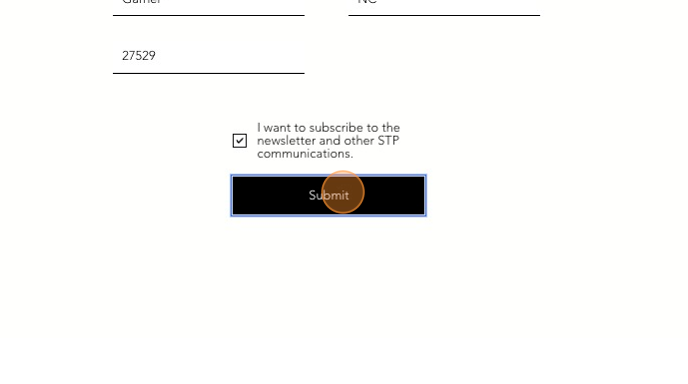
6. Complete the Sign Up Form and choose to whether or not to subscribe to the newsletter.
7. Click the "I want to subscribe to the newsletter and other STP communications." field.

8. Click "Submit"
9. Click "Register"

10. Click "Click here"

11. Click here.

12. Click the "Legal First Name" field.
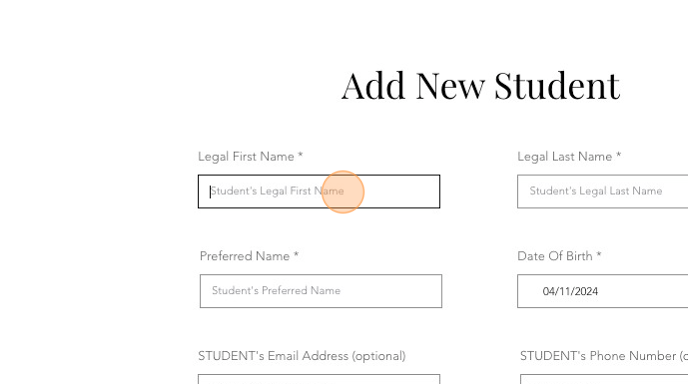
13. Complete the "Add New Student" fields as indicated.
14. Type "Test [[tab]] UserAprilEleven"
15. Choose medications which are allowed.

16. Sign the Media and Medical Release Acknowledgement

17. Please correct any errors in the form above if this message is shown

18. Click "Submit"

19. Click here.

20. Click "Register"

21. Click this dropdown.

22. Click here.

23. Click "Add to Cart"

24. Click "Setup Payment Plan"

25. Click this dropdown.

26. Click "4 Payments - every 2 months"

27. Click here.

28. This icon will show more information on the fee breakdown

29. Click "Learn more" to show more information on the fee breakdown

30. Fee Breakdown

31. Click "Pay Balance Due Now"

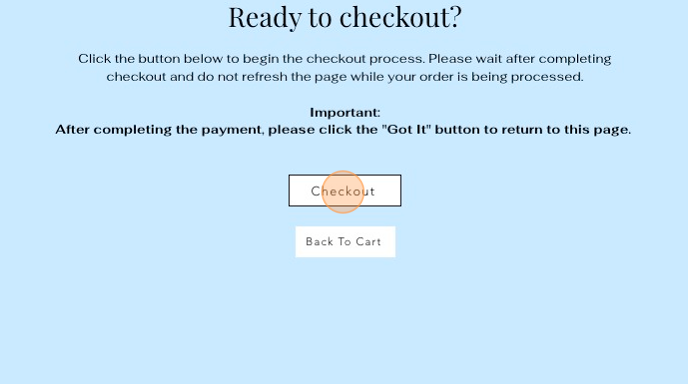
32. Click "Checkout"
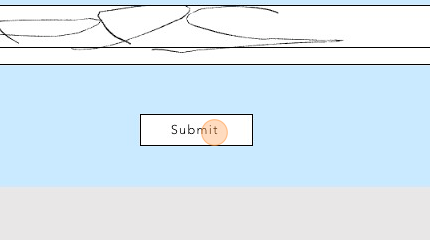
33. Use your mouse to sign

34. Click "Submit"
35. To see what is in your cart, you may click here...

36. Click "Continue"

37. Choose your payment method and click "Continue"

38. Click "Pay Now"
39. You MUST click "Got It" to confirm your registration now that payment has completed.

Was this article helpful?
That’s Great!
Thank you for your feedback
Sorry! We couldn't be helpful
Thank you for your feedback
Feedback sent
We appreciate your effort and will try to fix the article